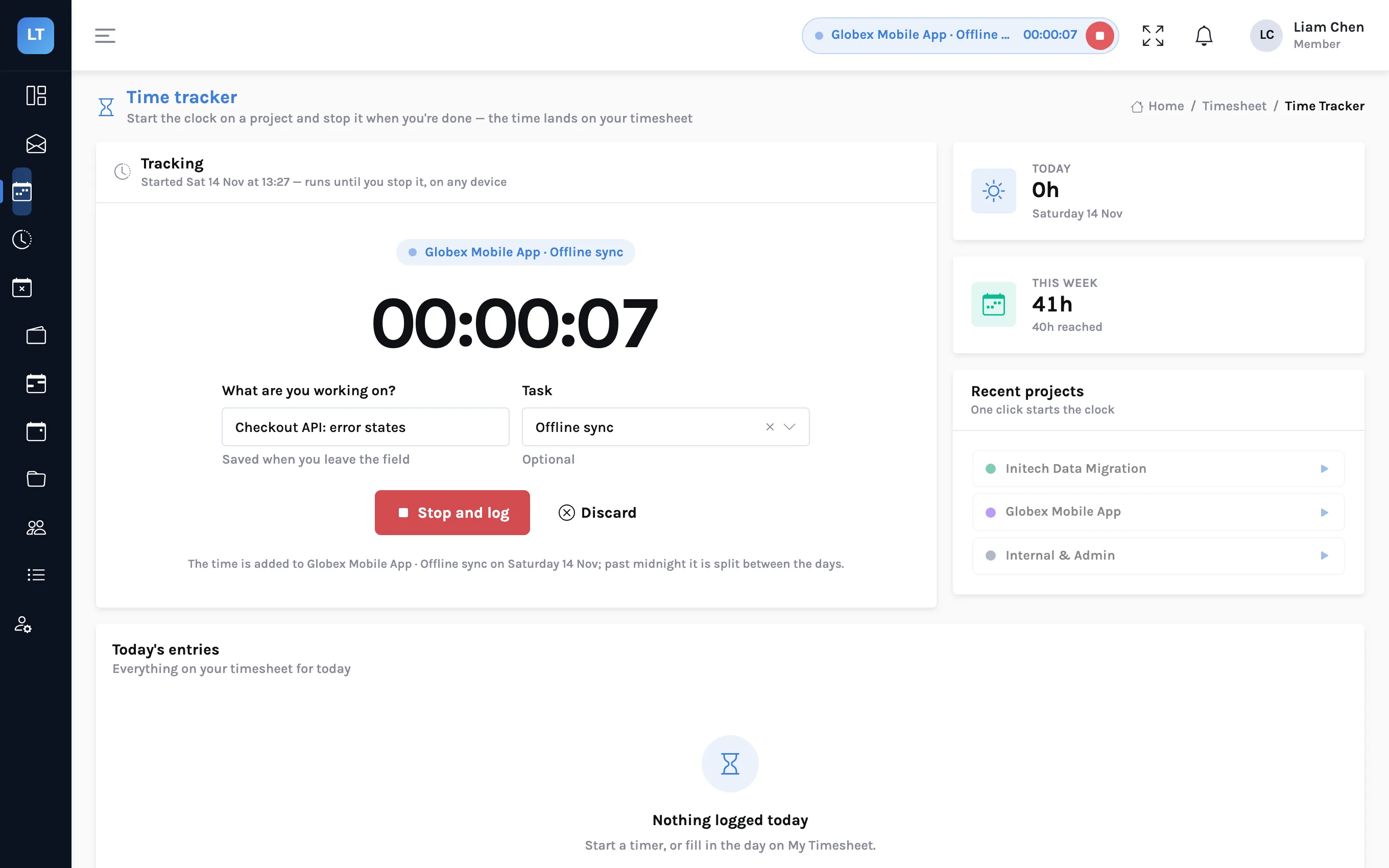
Every firm has one system that the timesheet tool does not talk to. A payroll export somebody builds by hand each month. A finance dashboard that wants to know when an invoice is paid. A chat channel that should hear when a week is approved. A catalogue of ready-made connectors never has yours.
LogTicks does not have a catalogue. It has the two things you need to connect it yourself: API keys, for a script that asks LogTicks a question or tells it something, and webhooks, for LogTicks to tell your system that something happened. This article uses both.
| API key | Webhook | |
|---|---|---|
| Direction | Your script calls LogTicks | LogTicks calls your endpoint |
| Good for | Exports, imports, scheduled reports | Reacting when something changes |
| Who sets it up | Any user, for themselves | A manager, for the company |
| Where | User Settings, API Keys | Company Settings, Webhooks |
Part 1: API keys
Create a key
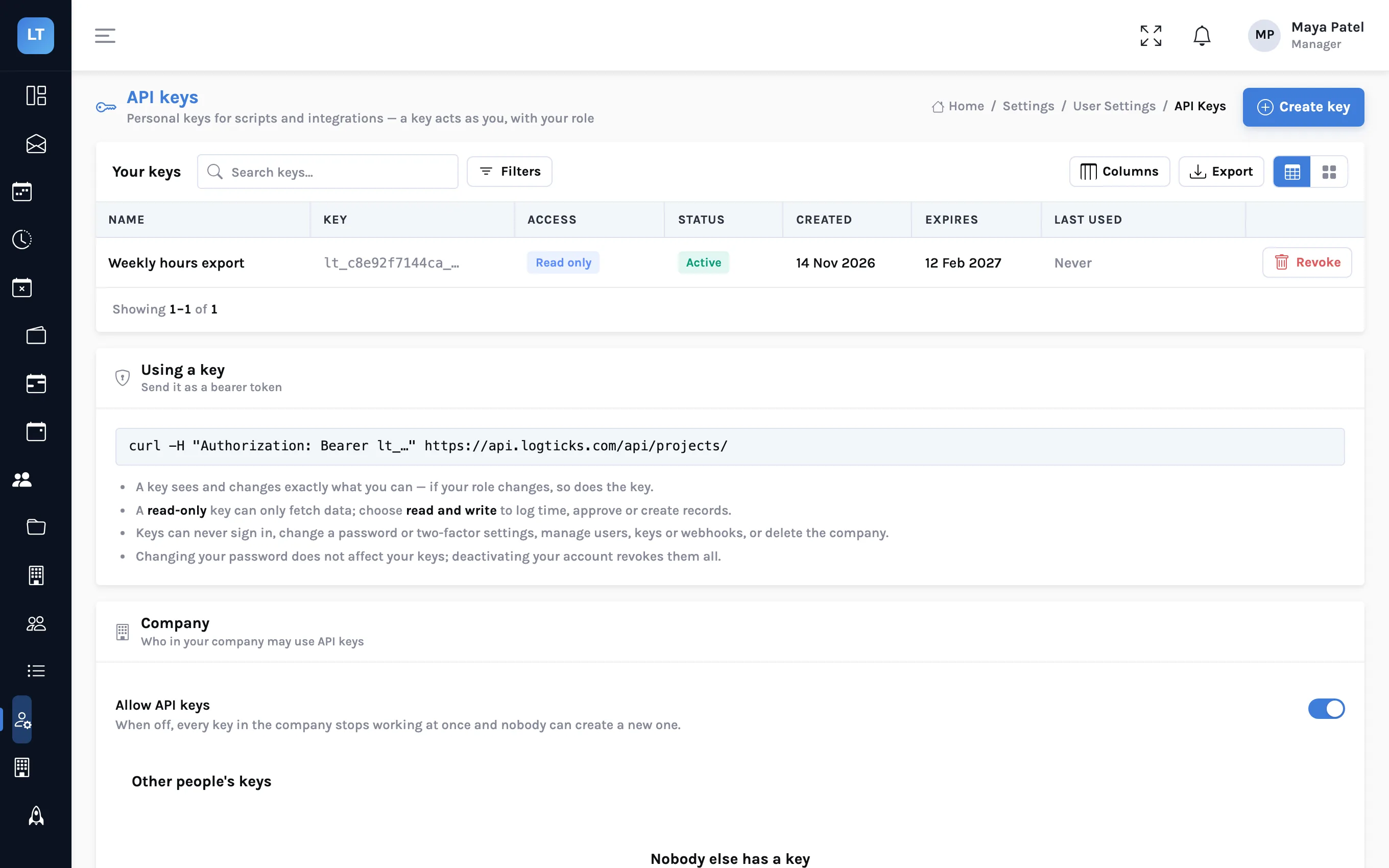
- Open User Settings, API Keys and press Create key.
- Give it a Name that says what it is for, such as "Payroll export script".
- Choose Access: Read only or Read and write.
- Choose when it Expires. The default is 90 days.
- Press Create key and copy it. It is shown once; only a hash is stored.
A key looks like lt_ followed by letters and numbers. Send it as a bearer token:
export LOGTICKS_API=https://api.logticks.com/api
export LOGTICKS_KEY=lt_xxxxxxxxxxxx_your_key_here

curl -s "$LOGTICKS_API/user/user" \
-H "Authorization: Bearer $LOGTICKS_KEY"What a key can and cannot do
- It acts as you. It has your role and your company. A member's key cannot approve timesheets; a manager's can. If your role changes, so does the key's reach.
- Read only means GET only. Anything else is refused.
- Some things are closed to every key: signing in, two-factor, passwords and profile, user administration, API keys themselves, webhooks, reminder settings and the audit log.
- It can be stopped. You can revoke it; a manager can revoke it; a company can switch API keys off for everyone. Deactivating your account revokes all your keys.
Read a week of hours
curl -s "$LOGTICKS_API/timesheet/weekly?week_start=2026-11-09" \
-H "Authorization: Bearer $LOGTICKS_KEY"{"week_start": "2026-11-09T00:00:00", "week_end": "2026-11-15T00:00:00",
"status": "draft", "total_hours": 41.0,
"entries": [{"date": "2026-11-13", "project_id": 1, "hours": 1.0,
"description": "Team retro"}]}Log time
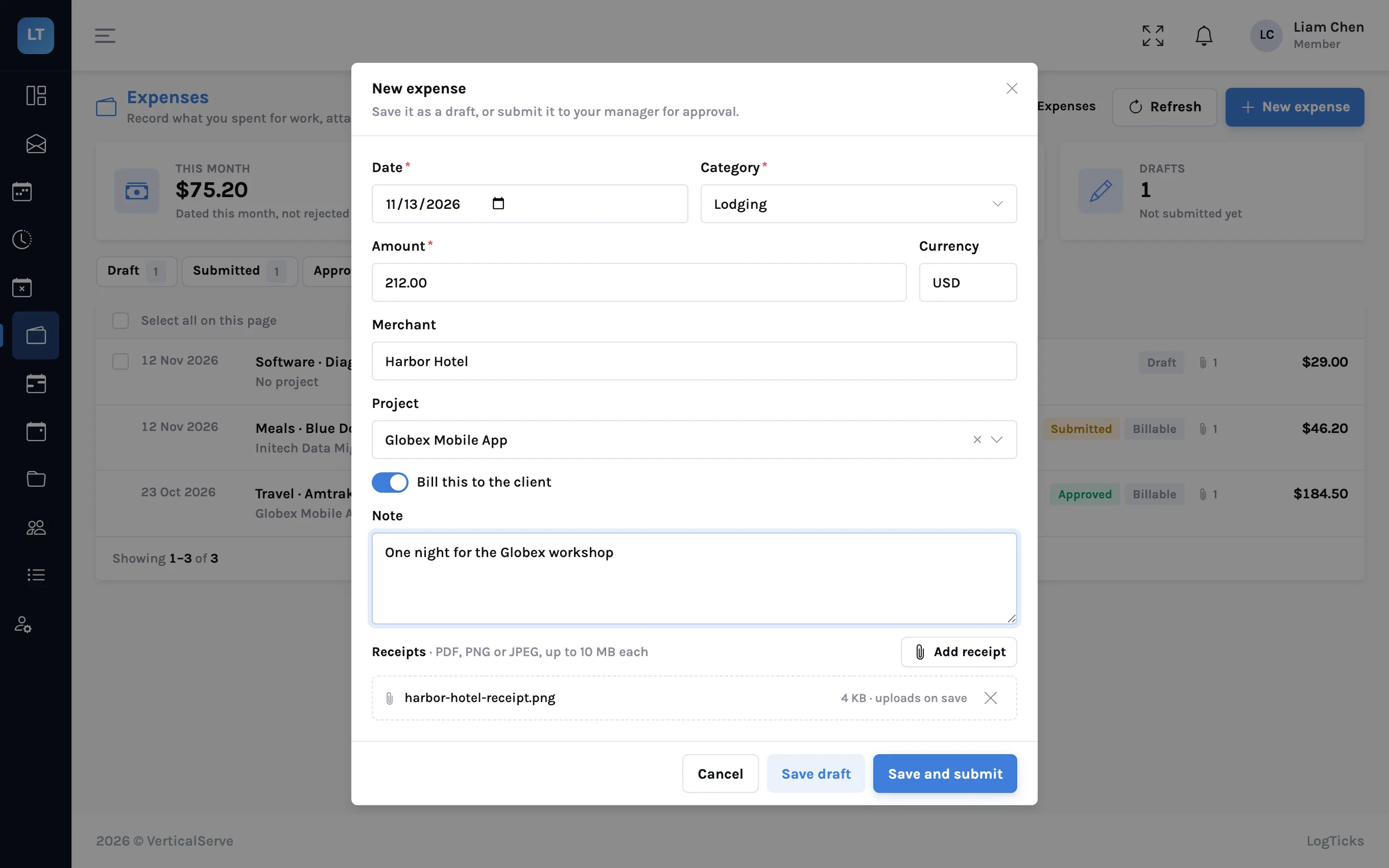
With a read-and-write key, set your hours on one project for one day. project_id is the numeric id from the project list.
curl -s -X POST "$LOGTICKS_API/timesheet/day-entry" \
  -H "Authorization: Bearer $LOGTICKS_KEY" \
  -H "Content-Type: application/json" \
  -d '{"date": "2026-11-14", "project_id": 4, "hours": 1.5,
       "description": "Data migration dry run"}'
Time logged through the API goes through the same checks as time typed into the grid. A project rule that blocks the entry answers 400 with the rule's message, and rules that only warn come back in a warnings list.
Be a good client
Each key has its own allowance of requests per minute, and exports and bulk writes have tighter ones. When you exceed a limit the API answers 429 with a Retry-After header in seconds. Wait that long and try again. Some older endpoints report a failure as HTTP 200 with "status": "FAIL", so check the status field as well as the HTTP code.
Part 2: webhooks
Register an endpoint
- A manager opens Company Settings, Webhooks and presses Add webhook.
- Enter the Endpoint URL. It must be an
https://address reachable from the internet. - Add a Description of what receives the events.
- Tick the events you want.
- Press Add webhook and copy the signing secret. It starts with
whsec_and is shown once.
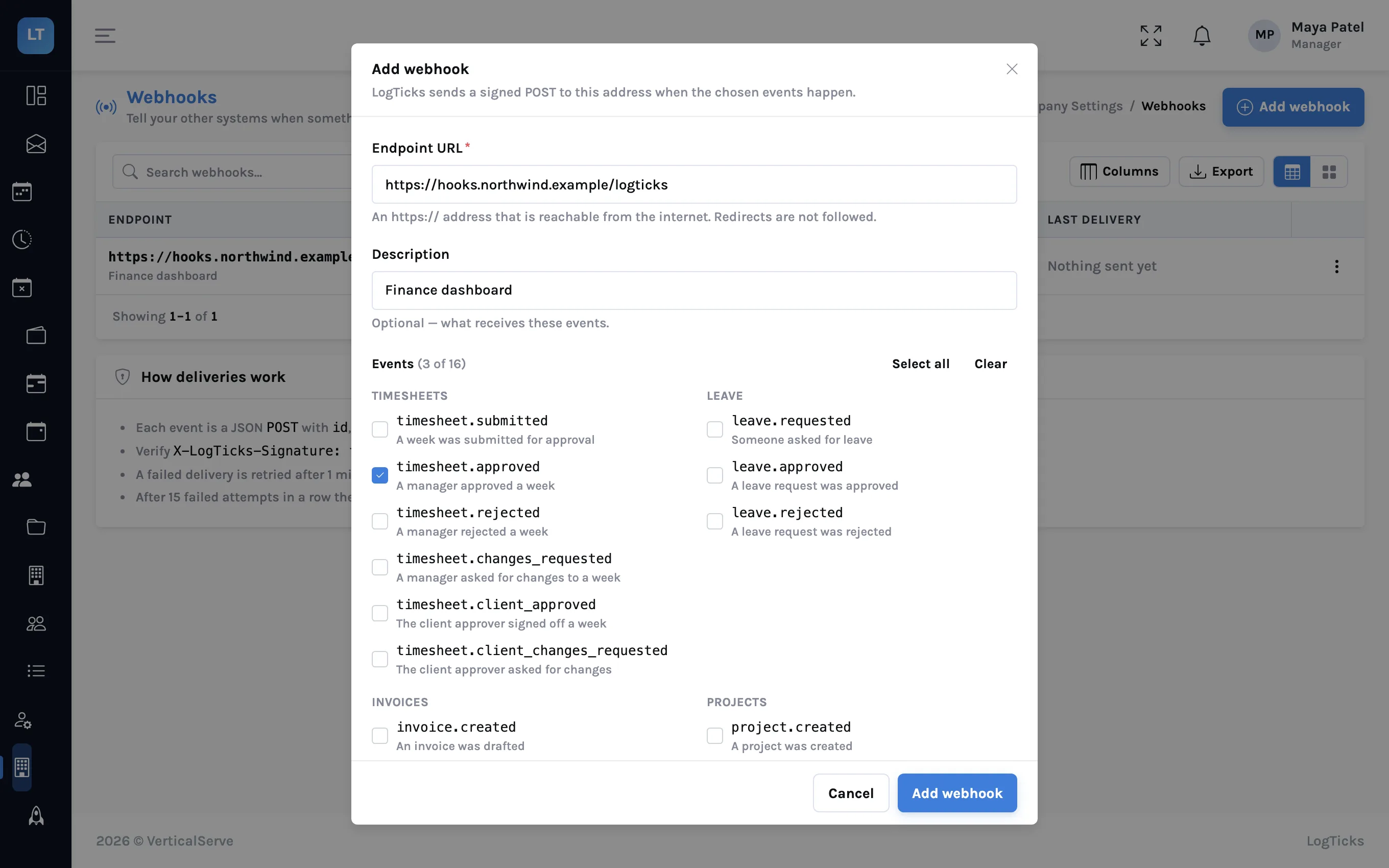
| Group | Events |
|---|---|
| Timesheets | timesheet.submitted, .approved, .rejected, .changes_requested, .client_approved, .client_changes_requested |
| Leave | leave.requested, leave.approved, leave.rejected |
| Invoices | invoice.created, invoice.sent, invoice.paid, invoice.void |
| Projects and people | project.created, user.joined |
| Daily status | daily_status.posted |
What arrives
POST /your/endpoint
X-LogTicks-Event: timesheet.submitted
X-LogTicks-Delivery: 22324c1b-1ca3-4b54-bfd5-bf25d96f06d2
X-LogTicks-Attempt: 1
X-LogTicks-Signature: t=1794678710,v1=5f2c...

{"id": "evt_8f465d8b6a414cb097359c671669e91e",
 "type": "timesheet.submitted",
 "created": "2026-11-14T17:51:50.328854+00:00",
 "company_guid": "77b6f0ed-...",
 "data": {"timesheet_guid": "4ff16566-...", "employee_name": "Liam Chen",
          "week_start": "2026-11-09", "week_end": "2026-11-15",
"status": "submitted", "total_hours": 42.5}}Check the signature
Anyone who learns your endpoint's address can post to it. The signature is how you know a delivery came from LogTicks. The header has a timestamp t and a value v1, which is the hex HMAC-SHA256, keyed with your signing secret, of the timestamp, a dot, and the raw request body.
import hashlib, hmac, time

def verify(secret: str, header: str, raw_body: bytes, tolerance: int = 300) -> bool:
    parts = dict(p.split("=", 1) for p in header.split(","))
    if abs(time.time() - int(parts["t"])) > tolerance:
        return False          # too old: refuse replays
    signed = parts["t"].encode() + b"." + raw_body
    expected = hmac.new(secret.encode(), signed, hashlib.sha256).hexdigest()
return hmac.compare_digest(expected, parts["v1"])Three mistakes account for most failed checks: verifying a re-serialised body instead of the raw bytes, comparing with == instead of a constant-time comparison, and skipping the timestamp check.
Delivery rules
| Rule | Detail |
|---|---|
| Answer quickly | Any 2xx within 5 seconds. Do the work after you have answered |
| Retries | After 1 minute, 5 minutes, 30 minutes and 2 hours, then the delivery is marked failed |
| Duplicates | Possible. The event id stays the same across retries, so ignore one you have handled |
| Order | Not guaranteed |
| Repeated failure | After many failed attempts in a row the webhook is switched off and flagged until a manager switches it back on |
| Redirects | Not followed |
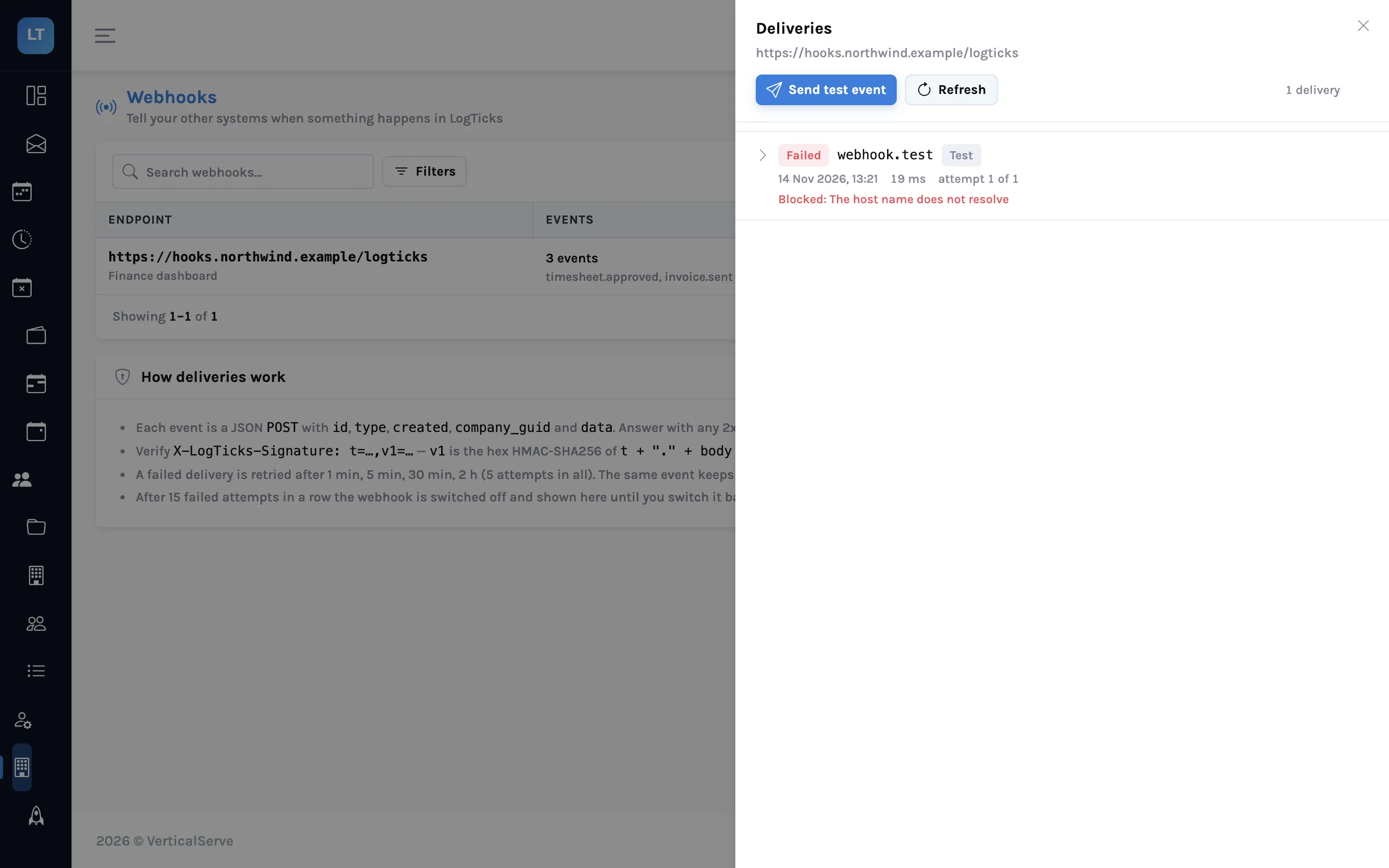
Use Send test event while you build the receiver. It sends a webhook.test event through the same signing and delivery path.
- One key per script, named for what it does
- Read only unless the script must write
- An expiry on every key, and a reminder to renew it
- Keys kept out of source control
- Webhook receivers verify the signature and de-duplicate on the event id
What it doesn't do (yet)
- No ready-made connectors. There is no Slack, Microsoft Teams or Zapier integration. You write the receiver.
- Keys are personal. There is no company-wide service account; a key acts as the person who made it and stops when they are deactivated.
- Two response styles. Older endpoints wrap results in an envelope with a status field; newer ones return the result directly and use HTTP status codes for errors. Check both.
- Webhooks need a public https address. Private and local addresses are refused, so you cannot point one at a laptop without a tunnel.
- At-least-once, unordered. Build the receiver to tolerate a duplicate and an out-of-order event.
A key to ask, a webhook to be told. Everything else is your code.